Verifying a premium plugin when WordPress.org has no checksum for it
WordPress.org publishes a fingerprint for every file of every free plugin. For the paid plugin you bought elsewhere, there is nothing to check against, unless you bring your own reference.
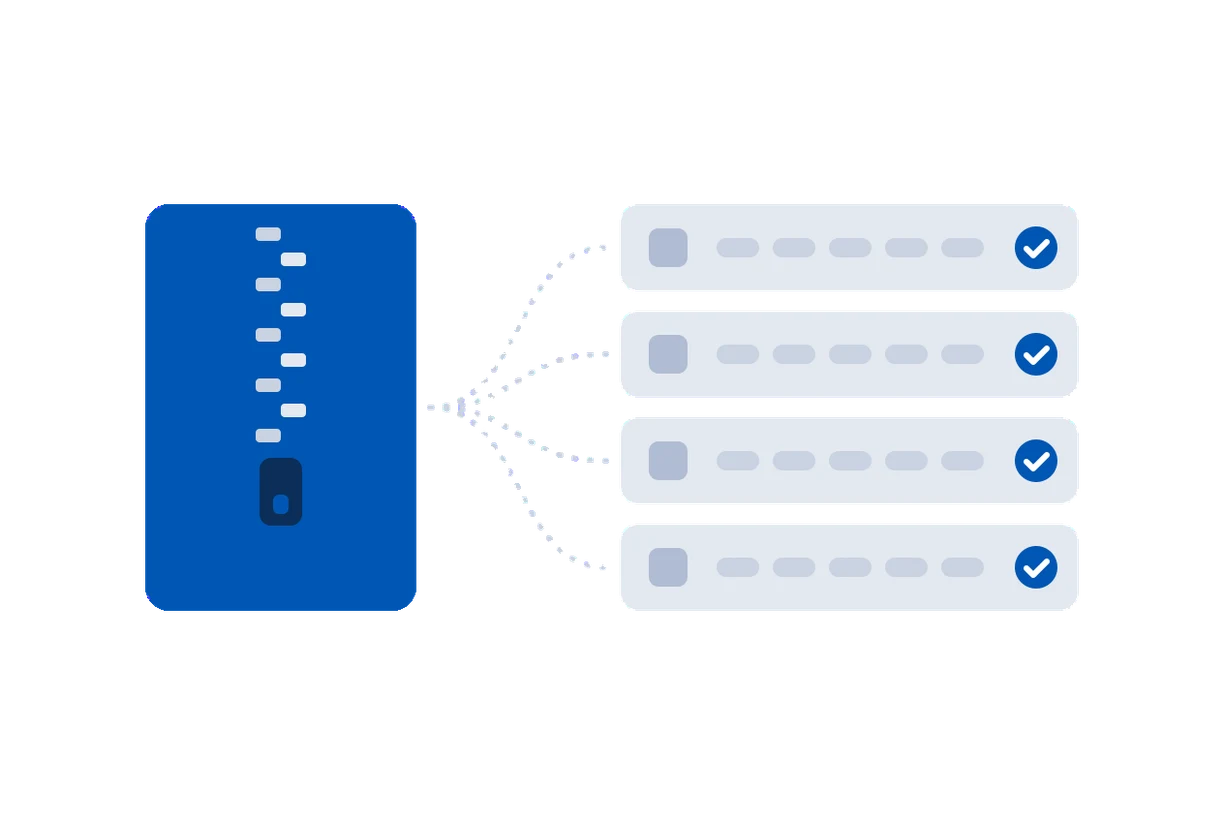
For a plugin from the directory, checking integrity is easy: WordPress.org publishes the fingerprint of every file it ships, and wp plugin verify-checksums compares your copy against it. For a premium plugin, bought from the vendor and installed by upload, none of that exists. There is no public release, no published fingerprint, no history to read.
That is a real gap. Premium page builders, form plugins and themes are exactly the high-value targets a supply-chain attacker goes after, and they are the ones you cannot check the usual way.
First-seen is a weak reference
Most tools fall back to "first-seen": they record the files the first time they look, and tell you if anything changes afterwards. That is useful for catching a later change, but it proves nothing about the starting point. If the plugin was already tampered with when it was first installed, the bad files become the baseline, and every check says fine.
Check against the vendor's own zip
The genuine reference for a premium plugin is the zip the vendor gave you. Keep the original download. To verify a file by hand, unzip the vendor archive to a clean folder and compare:
# hash a file on the site and the same file from the vendor zip
sha256sum wp-content/plugins/acme-pro/includes/core.php
unzip -p acme-pro-4.2.0.zip acme-pro/includes/core.php | sha256sum
If the two hashes match, that file is byte for byte what the vendor shipped. Doing this for every file, by hand, across a few updates, is where it falls apart in practice.
In-memory fingerprinting on the Code screen
OwnerTrail does the whole comparison for you. On the Code screen you drop the vendor's original .zip onto the plugin or theme. OwnerTrail reads it in memory, fingerprints every file inside, and checks your installed copy against that genuine archive rather than against a first-seen guess.
- The zip is read in memory and deleted at once; it is never unpacked onto the server and never kept.
- Large archives are bounded, so a crafted zip cannot exhaust memory or disk.
- From then on, any file that differs from the vendor's release is named, and with Pro you can restore the genuine file from that same zip in one click.
What this still cannot catch
If the vendor's own build was poisoned before they shipped it, their zip and your files agree, because both are the tampered release. No fingerprint check, theirs or yours, sees that. The earlier signal is provenance: a plugin changing hands, a new name with commit access. That is why OwnerTrail watches ownership as well as code, and why it says plainly it belongs alongside a vulnerability scanner, not instead of one.