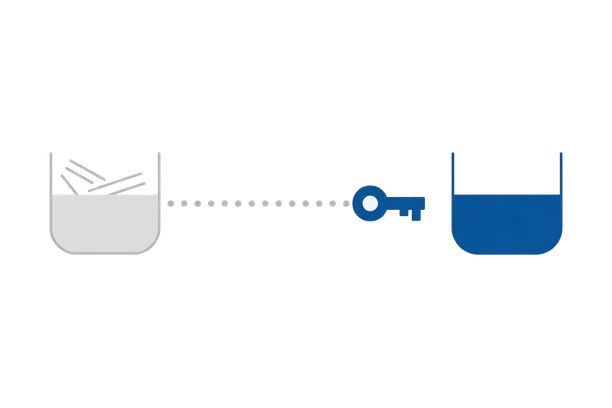
Who controls the plugins on your site?
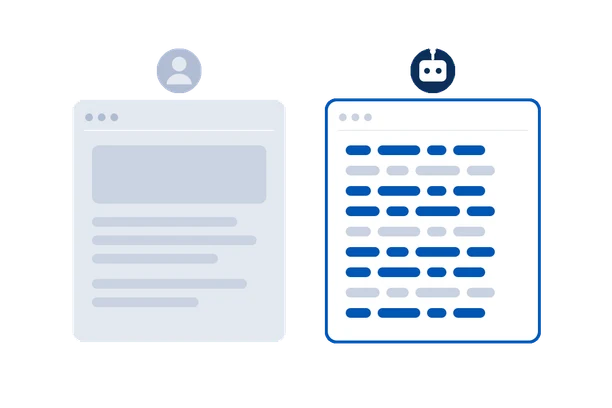
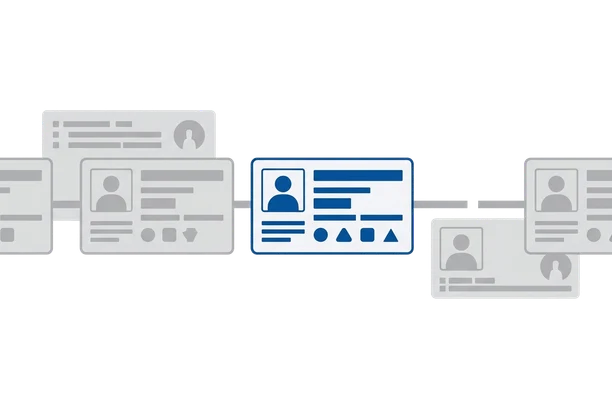
Not who wrote them - who has commit access today. OwnerTrail reads the public WordPress.org directory and SVN record for every plugin you have installed, and tells you the moment that record changes.
How it works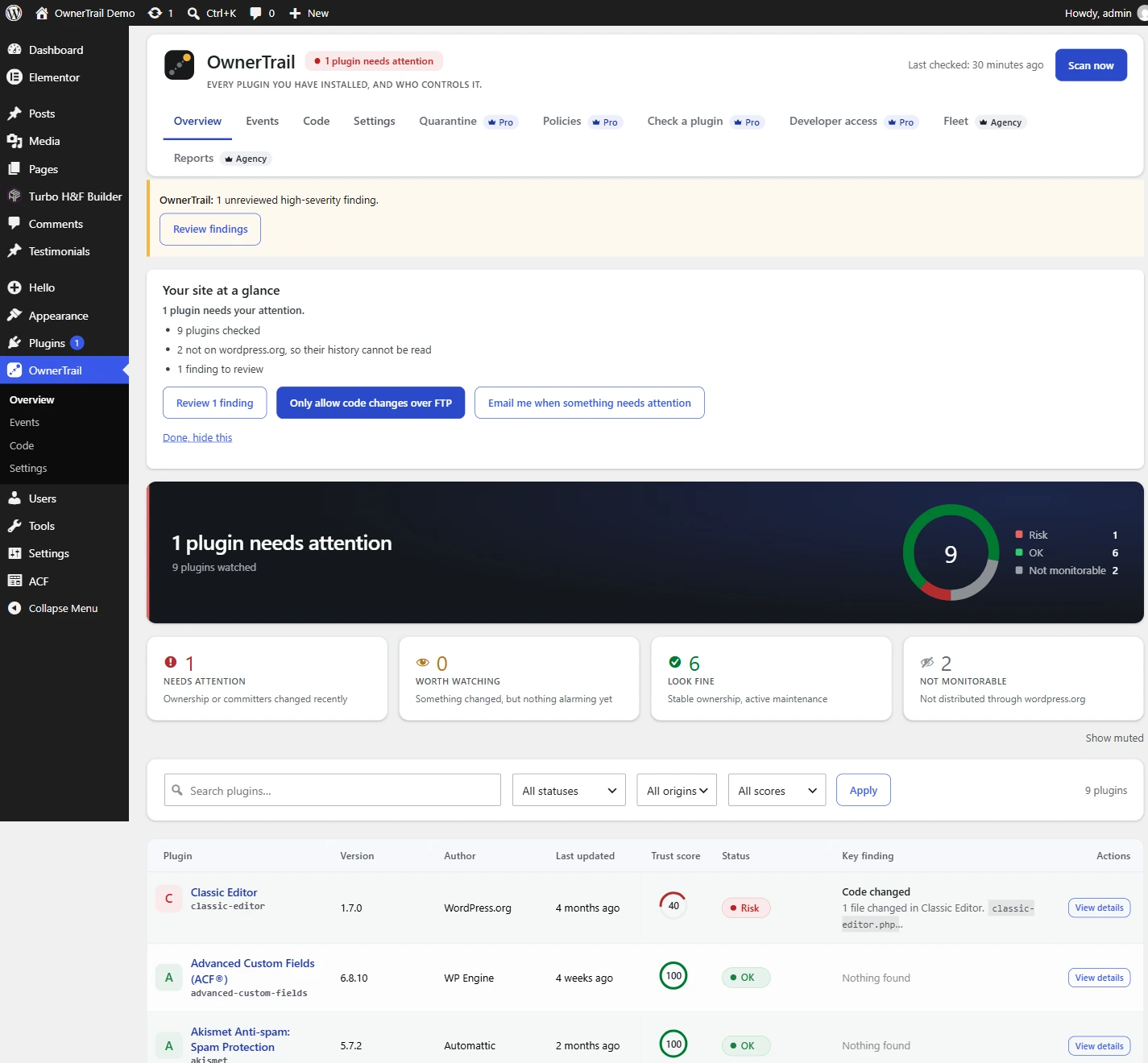
-
How-to
How to Fix a WordPress Site Redirecting to Spam
If your WordPress site sends visitors to spam pages, an attacker has added conditional redirect code to your site files or database. Here is how to reproduce the issue safely, locate the code, remove it, and find out how it got in.
-
How-to
How to Remove the Japanese Keyword Hack from WordPress
If Google shows search results for your website filled with Japanese text, your site has been compromised by SEO spam. Here is the step-by-step process to locate the malicious files, restore your clean WordPress installation, and request a fresh crawl from Google.
-
How-to
Is This WordPress Plugin Safe? A 5-Minute Check
Before installing a plugin or keeping an old one, spend five minutes checking who maintains it, when it was last updated, its SVN commits, and its support threads.
-
Threats
The Japanese keyword hack: SEO spam that hides from you and shows itself to Google
You open your site and it looks fine. Google has indexed hundreds of pages you never wrote. That gap is the whole trick, and it is checkable.
-
Threats
A PHP file in your uploads folder is never supposed to be there
The uploads folder holds pictures and documents. It should never hold code. When it does, that code was almost always put there to run a backdoor.
-
How-to
Verifying a premium plugin when WordPress.org has no checksum for it
WordPress.org publishes a fingerprint for every file of every free plugin. For the paid plugin you bought elsewhere, there is nothing to check against, unless you bring your own reference.
-
Research
EssentialPlugin backdoor, replayed: 31 of 31 warned
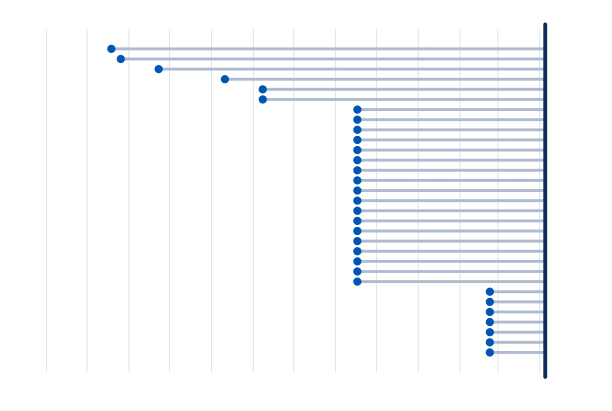
Thirty-one plugins, one backdoor, eight months of silence. We replayed OwnerTrail's rules against what was public at the time, week by week, to see when it would have spoken up.
-
How-to
How to check who owns a WordPress plugin
Everything you need is public. It takes about three minutes per plugin, and the part most guides skip is the part that matters.
-
Incidents
The 2026 WordPress supply-chain attacks: what happened, and what each one teaches
Two separate compromises hit WordPress plugins in 2026. They are usually discussed together, and they were not the same kind of attack at all.
-
How-to
WordPress file integrity check: was your plugin code changed?
WordPress.org publishes a fingerprint for every file it ships. Comparing your files with those fingerprints is the fastest way to know whether anyone changed your code.
-
How-to
How to lock the WordPress plugin and theme editor
Anyone with an administrator login can rewrite your plugins from the browser. Here is how to close that door, and what each option costs you.
-
How-to
A WordPress plugin was closed: what it means and what to do
A closed plugin keeps running on your site exactly as before. It just never gets another fix, and WordPress does not tell you.
-
Background
Every way a WordPress plugin can change hands
You are trusting whoever controls each plugin on your site today, not whoever wrote it. Here is every way that person changes.
-
How-to
Reading a WordPress plugin’s SVN commit history
Every plugin in the directory has a public repository. Most people never open one. It answers questions the directory page cannot.
-
Practice
An agency’s plugin provenance checklist
You did not choose most of the plugins you maintain, and you will still be the one answering for them. This is a routine that fits in an hour a month.