The Japanese keyword hack: SEO spam that hides from you and shows itself to Google
You open your site and it looks fine. Google has indexed hundreds of pages you never wrote. That gap is the whole trick, and it is checkable.
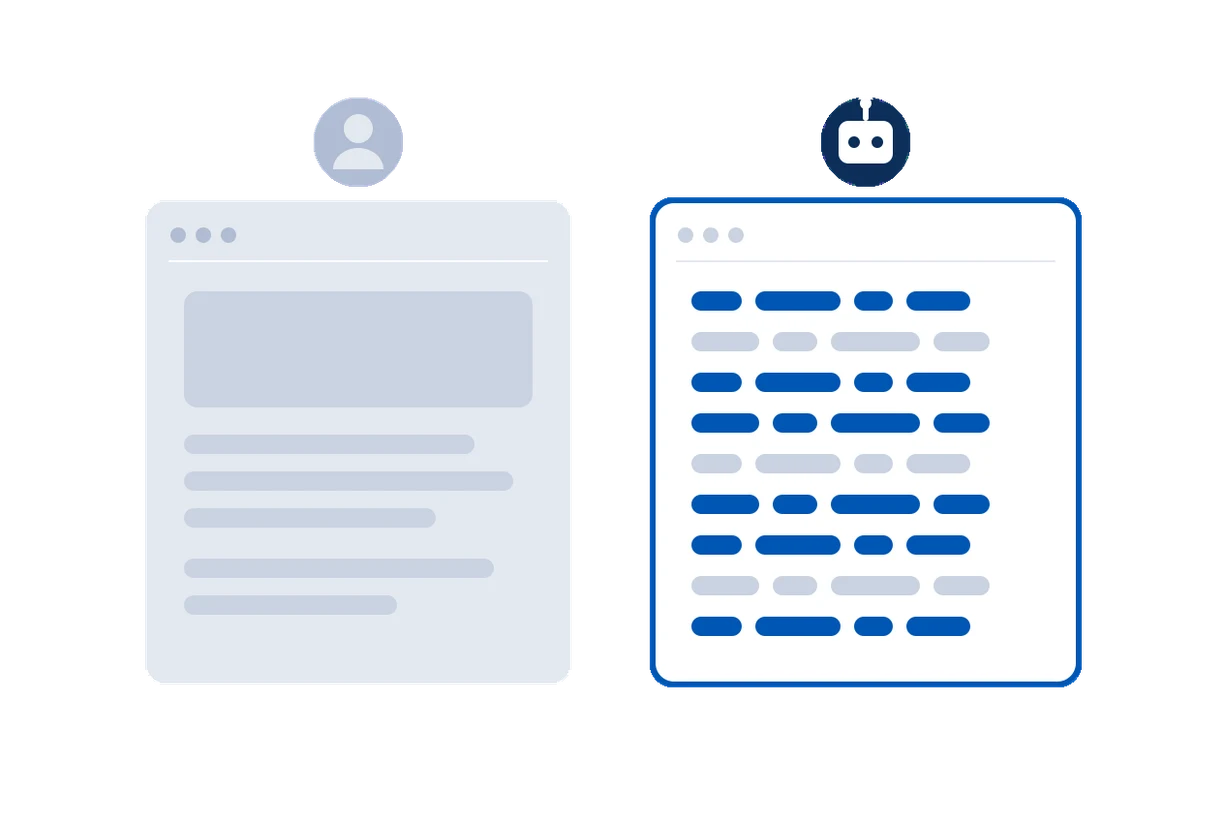
The Japanese keyword hack is one of the most common WordPress compromises, and one of the hardest for an owner to notice. The attacker does not deface your site. They add pages, thousands of them, selling counterfeit goods or pharmaceuticals, and they show those pages only to search engines. To you, logged in or just visiting, the site looks exactly as it did.
Why you cannot see it
The injected code checks who is asking for the page. It reads the User-Agent header, and sometimes the visitor's IP or where they arrived from. If the request looks like Googlebot, it serves the spam. If it looks like an ordinary browser, it serves your real page. This is cloaking: one URL, two different answers.
So the damage lands entirely in Google's index. Your rankings get hijacked, your listings sprout Japanese titles, and Google eventually flags the site as hacked, all while your own browser shows nothing wrong.
Where it hides
- A few lines prepended to
wp-config.phporindex.php, so the code runs before WordPress on every request. - A PHP file dropped into
wp-content/uploadsand pulled in by an.htaccessor.user.inirule. - A changed core or plugin file that no longer matches the genuine release.
- A rewritten
robots.txtor a fakesitemap.xmlpointing Google at the spam.
How to check for it by hand
Ask your own site for a page the way Googlebot would, and compare it with an ordinary request:
curl -s https://example.com/ | wc -c
curl -s -A "Mozilla/5.0 (compatible; Googlebot/2.1; +http://www.google.com/bot.html)" https://example.com/ | wc -c
If the two pages differ in size, title, language, or links, and you did not build them to, that is cloaking. Also search Google for site:example.com and look for pages and languages you never published.
One caution: a cloaked page does not always answer a spoofed Googlebot from the wrong IP. Serious attackers verify the request really comes from Google's address range, so a single curl can come back clean. The reliable tell is the gap between what Google has indexed and what your site actually contains.
The Googlebot canary, every day
OwnerTrail runs this comparison for you, once a day, from your own server. It requests a handful of your pages three ways, as an ordinary browser, as Googlebot, and as a visitor arriving from a Google search, and compares the answers: the title, the language, the size, the links, and any redirect to another site.
- Spam shown only to the crawler, a redirect that fires only for search visitors, or a sudden wall of links one view has and the others do not, is reported as a serious finding and emailed within the hour.
- It ignores the differences that are not cloaking: a firewall refusing a spoofed Googlebot (a 403 or 503), and the nonces, cache-busters and tracking tags that change on every request.
- No page content leaves your site.
It will not remove the spam for you, that is a clean-up job, but it ends the months of not knowing. The sooner you see the gap, the less of your ranking you lose.